Getting started
Sign in
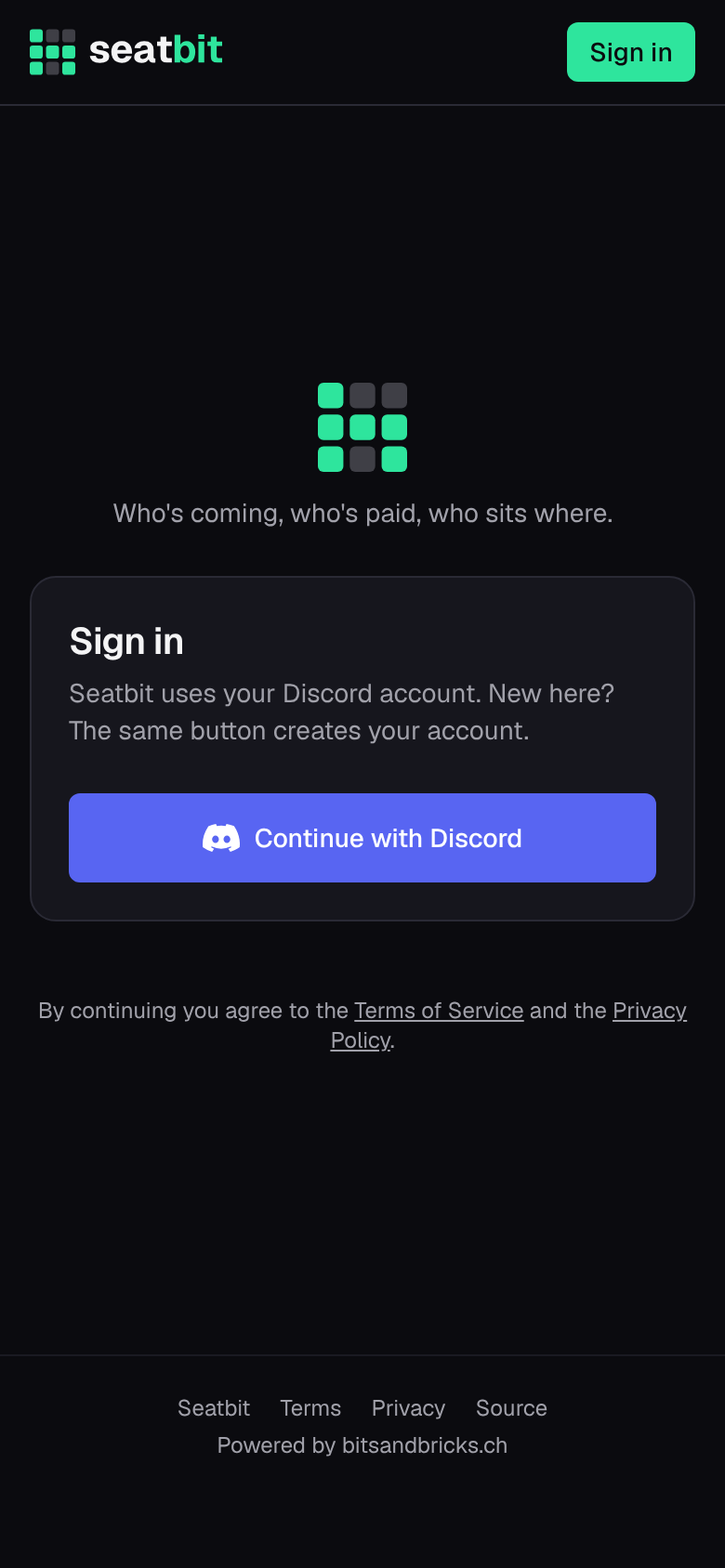
Open your clan's Seatbit (ask your orgas for the link) and click Continue with Discord. The same button creates your account the first time. Seatbit gets your Discord name, picture and email address; the email is used for reminders.
The first time you sign in, Seatbit asks for your first name, surname and nickname (gamer tag). Your clan uses your real name to match you to tickets and seats; everyone else mostly sees your nick. Seatbit shows people as Anna "Nova" Frei.
Join your clan
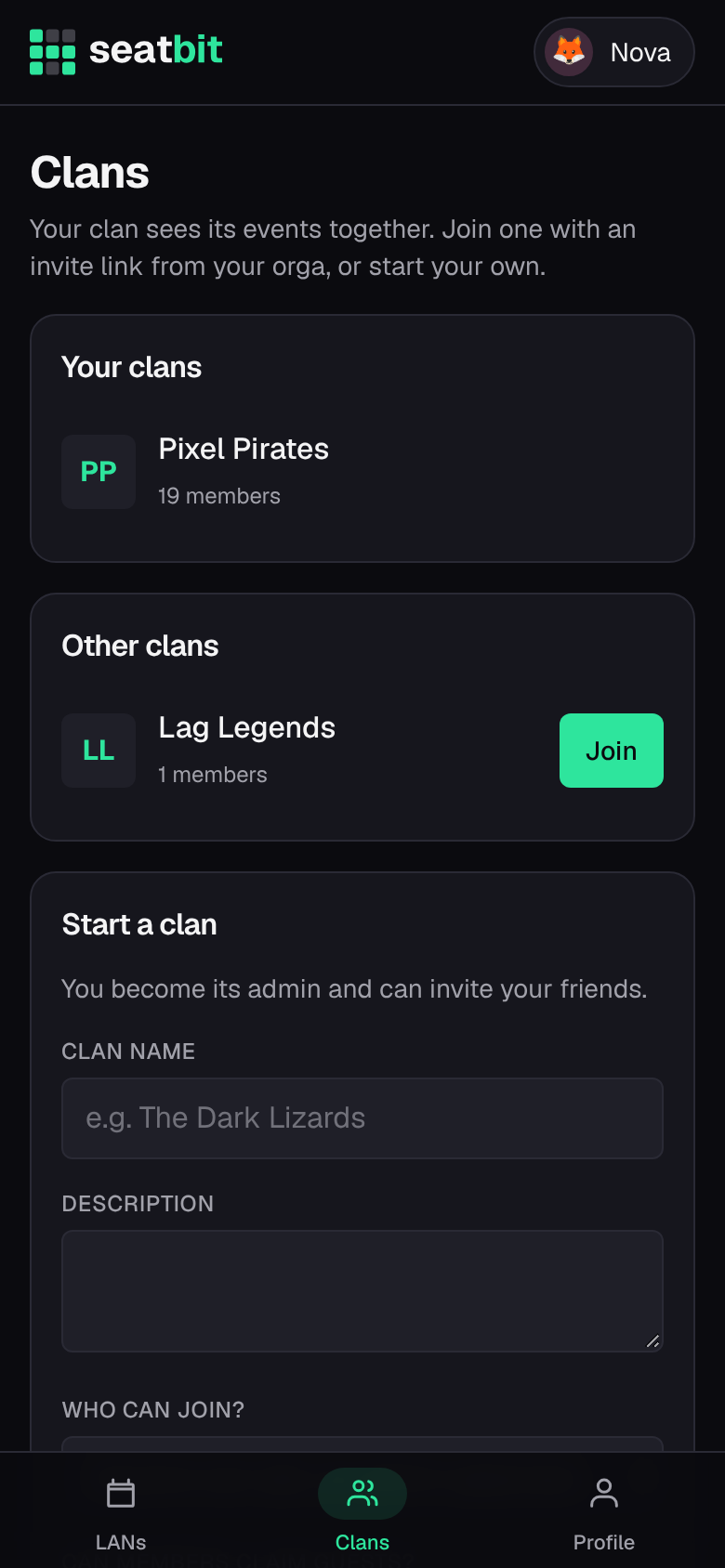
Everything in Seatbit belongs to a clan. Depending on how the clan admins set it up, you:
- open an invite link someone sent you, and you're in;
- click Join on the clan's page (Clans tab), and you're in, or an admin approves you first;
- are added by an orga (as a guest, before you even have an account). Then you get an email or a claim link, and signing in with a Discord account that has the same email takes over everything they set up for you.
Your LANs
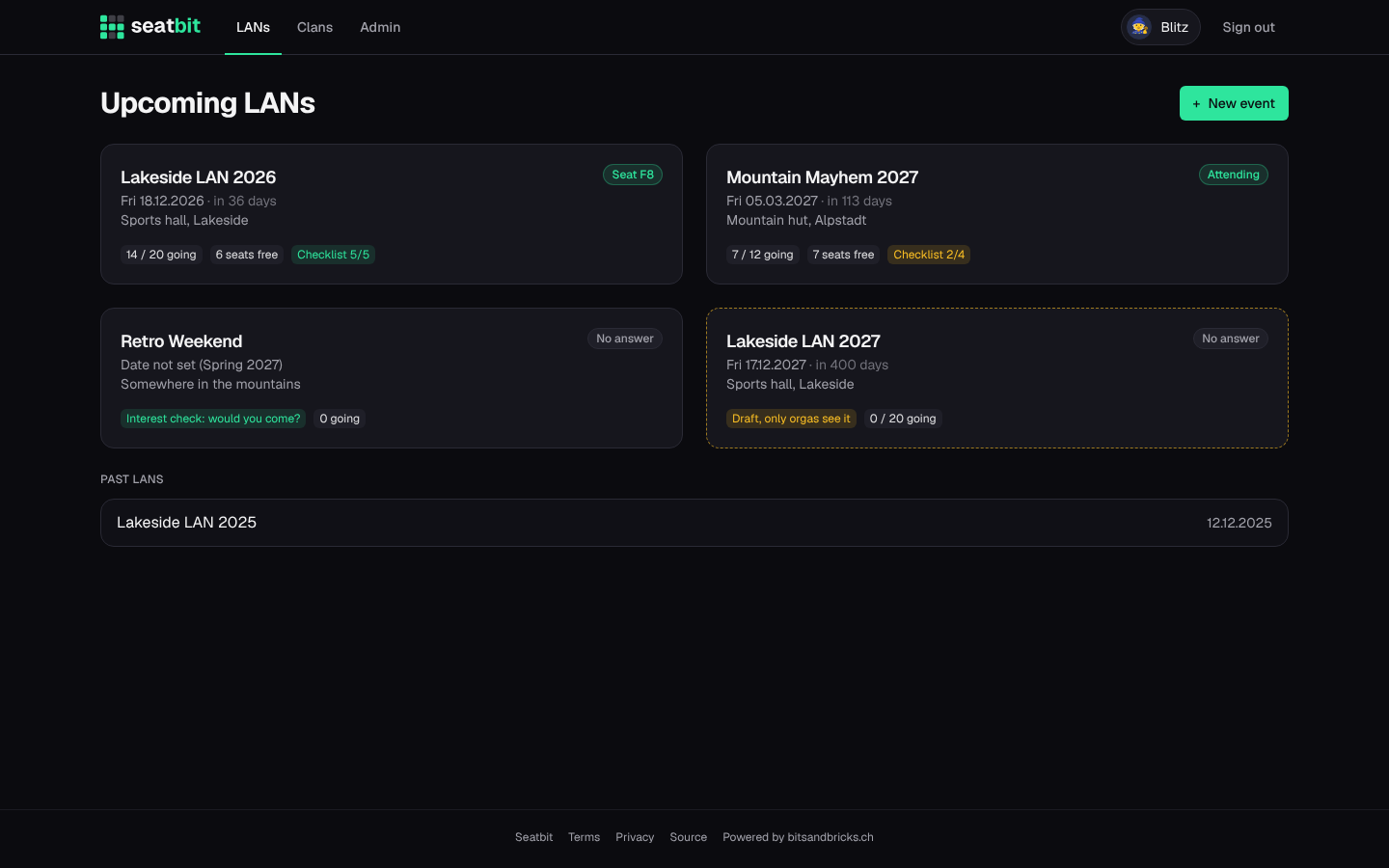
The LANs tab lists the upcoming events of all your clans. Each card shows the date, how many people are coming, free seats and how far you are with your checklist.
Next: Events.