Email
Seatbit sends reminders, invites for guests and notices like "you moved up from the waitlist" by email. Set up an SMTP relay under Admin → Platform settings → Email (or with the SMTP_* variables, see Configuration) and click Send test mail to me.
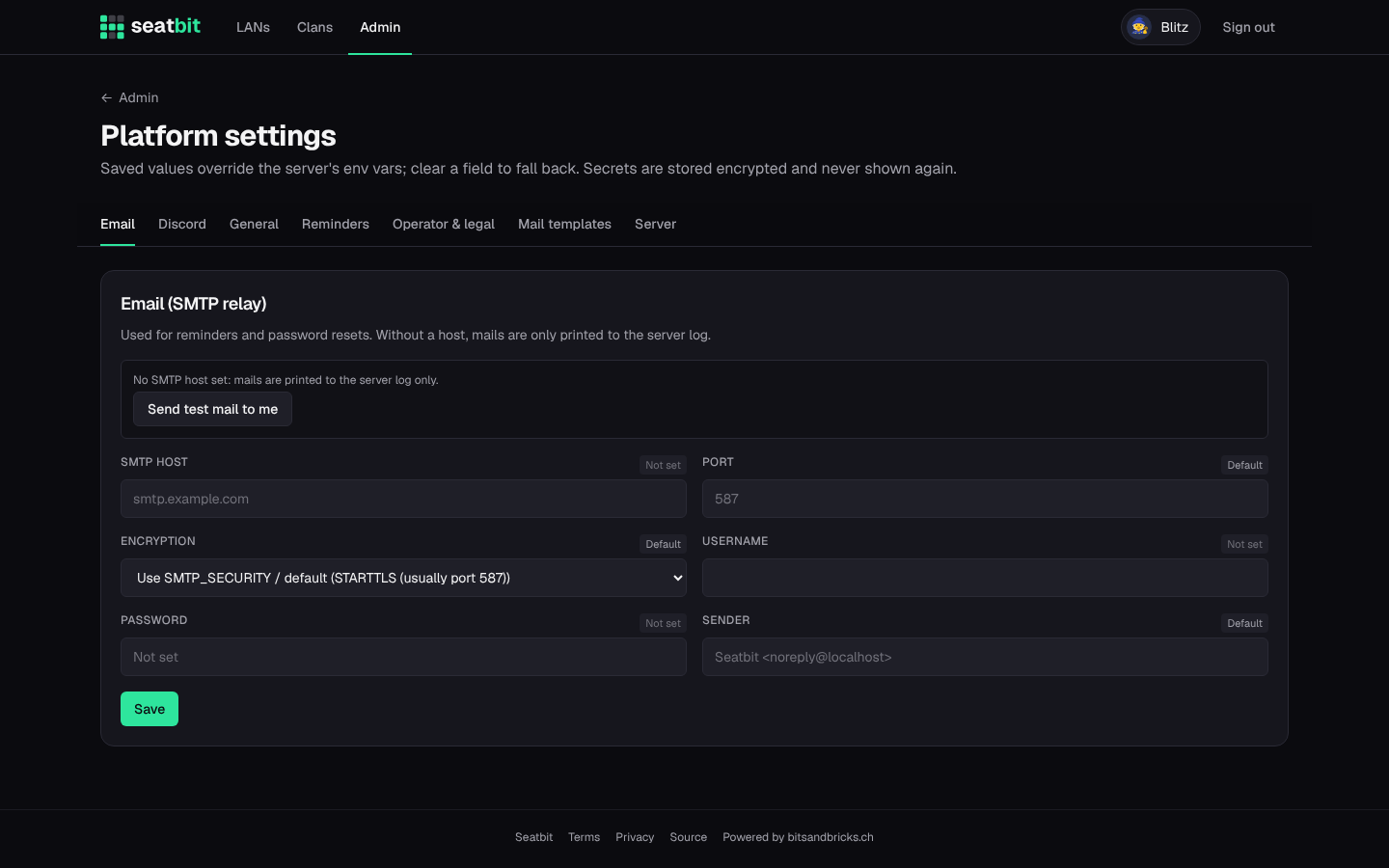
Without an SMTP host, emails are written to the server log instead, which is handy for trying things out.
Use a sender address on a domain you control (MAIL_FROM, e.g. Seatbit <lan@example.com>) and set up SPF/DKIM for it with your mail provider, or reminders end up in spam.
Mail templates
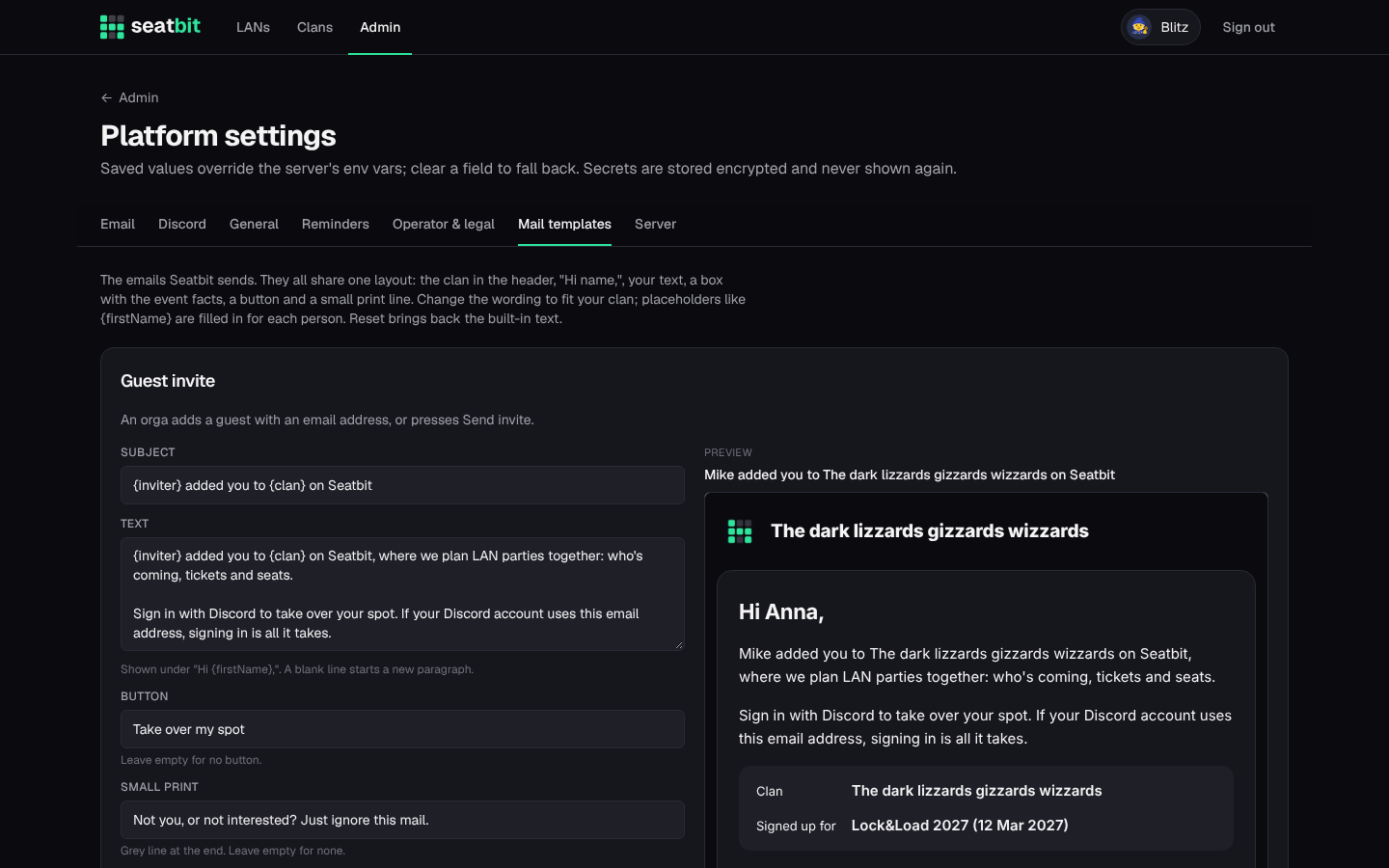
Under Mail templates, change the wording of every email Seatbit sends. They share one layout: the clan in the header, "Hi name,", your text, a box with the event facts, a button and a footer with links to the privacy policy and terms. Placeholders like {firstName} are filled in per person. Reset brings back the built-in text, and you can send yourself a test.
Members turn reminder emails off on their profile.