Events
Open an event from the LANs tab. At the top you always see your answer and your checklist; below are the tabs Overview, Seats, Attendees, Travel, Packing list and Games.

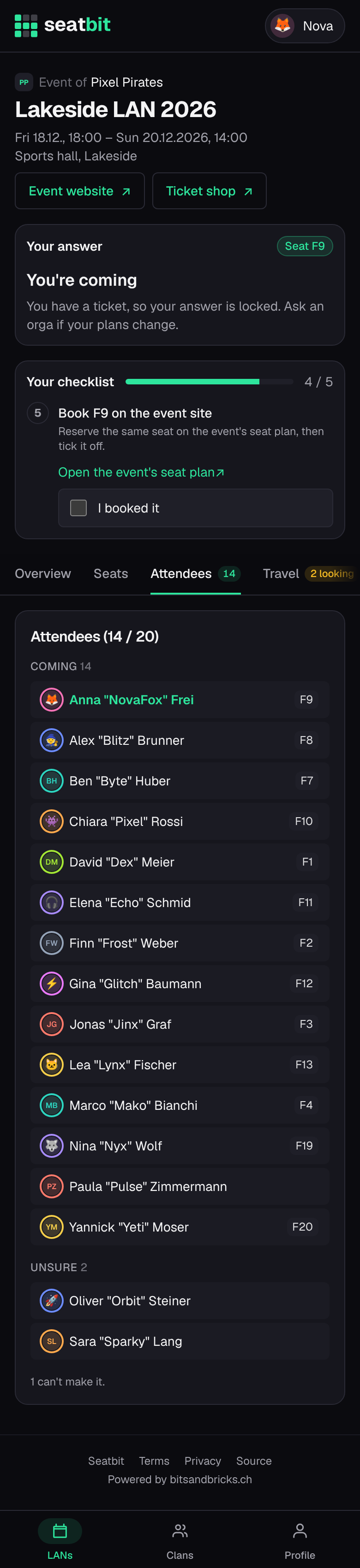
Answer
Say Coming, Unsure or Not coming before the answer by date. You can also answer with the buttons on the clan's Discord announcement or with /lans in Discord.
- If the group's spots are full, you go on the waitlist and move up automatically (with an email) when someone drops out.
- Once you have a ticket, your answer is locked. If your plans change, ask an orga.
Interest check
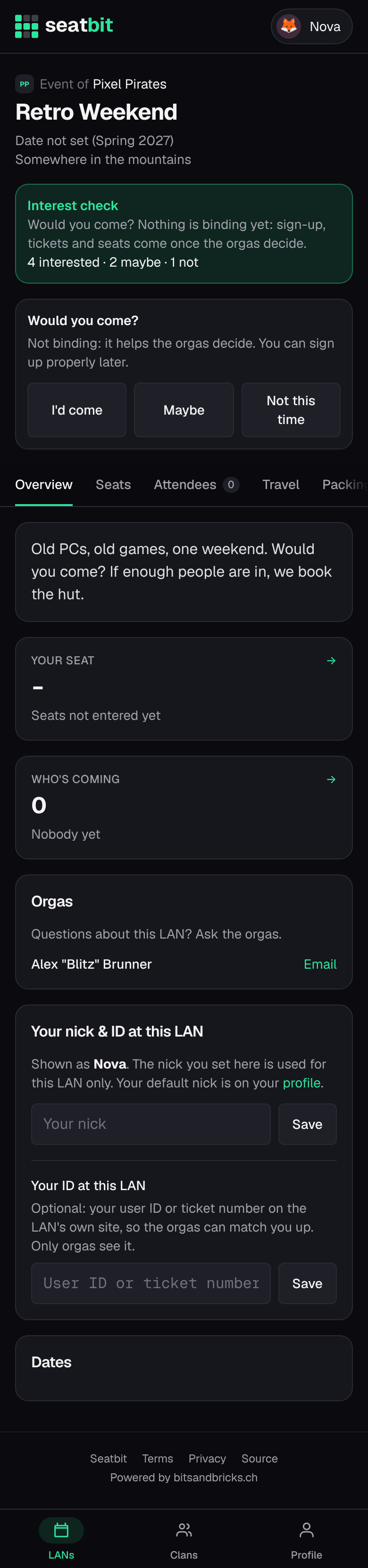
Sometimes the orgas first ask Would you come? before an event is fixed, maybe without a date yet. Answer I'd come, Maybe or Not this time; it isn't binding. When the orgas open sign-up, everyone who was interested gets a message and answers properly.
Your checklist
- Say you're coming.
- Give your nickname. Your default nick is used unless you set one for this LAN type (e.g. the name you use on the event's own site).
- Buy your ticket in the event's ticket shop before the buy ticket by date and tick it off. An orga then confirms it.
- Get your seat: see Seats.
- Book your seat on the event site, when the event has its own seat plan: once the orgas finalize the group's plan, book the same seat there and tick I booked it.
Your nick and ID per LAN
On the Overview tab you can set a nick for this LAN type (used for every event of that type) and your user ID or ticket number on the event's own site, so the orgas can match you up. Only orgas see the ID.
News and the day itself
Orgas post short news ("Doors open at 10:00") on the event page; you also get them by email or Discord DM if you're coming, unsure or on the waitlist. On the day, tap I'm here when you arrive so the others know you made it.
Reminders
Seatbit sends a reminder a few days before the answer and ticket deadlines (only to people who still have to act), the day before the LAN, and two days before to install your games. You get them by email and, if your clan uses the Discord bot, in Discord. Turn emails or Discord DMs off on your profile, and choose there which new events you want to hear about.